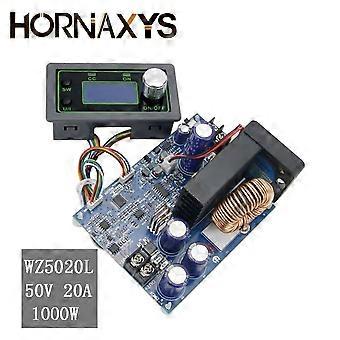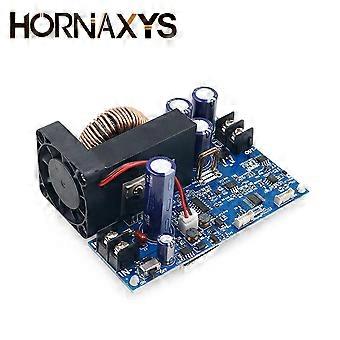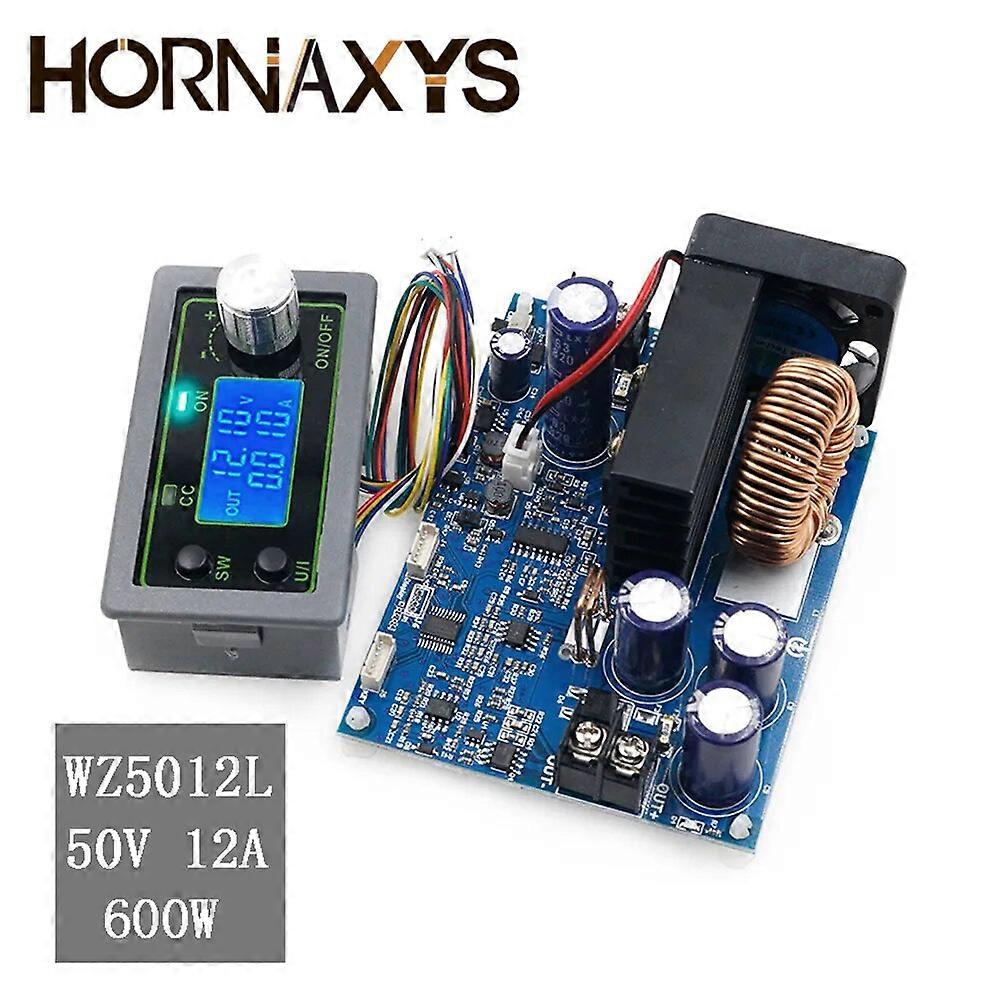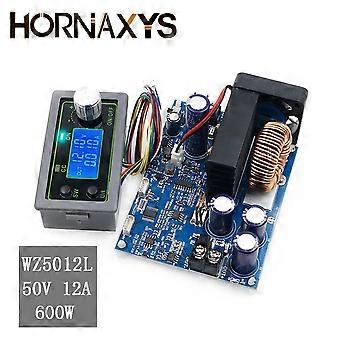
WZ5020L WZ5012L DC DC Buck Converter CC CV Step-down Power Module 50V 20A 1000W / 50V12A 600W Adjustable Voltage Regulated

69,00 €
envío GRATUITO

WZ5020L WZ5012L DC DC Buck Converter CC CV Step-down Power Module 50V 20A 1000W / 50V12A 600W Adjustable Voltage Regulated

  • Marca: Unbranded
Vendido por:

WZ5020L WZ5012L DC DC Buck Converter CC CV Step-down Power Module 50V 20A 1000W / 50V12A 600W Adjustable Voltage Regulated

  • Marca: Unbranded

69,00 €

Ahorre 50,00 € (42%)

PVP

119,00 €
En existencias
envío GRATUITO
Vendido por:

69,00 €

Ahorre 50,00 € (42%)

PVP

119,00 €
En existencias
envío GRATUITO

Aceptamos los siguientes métodos de pago

Descripción

WZ5020L WZ5012L DC DC Buck Converter CC CV Step-down Power Module 50V 20A 1000W / 50V12A 600W Adjustable Voltage Regulated

WZ5020L WZ5012L DC DC Buck Converter CC CV Step-down Power Module 50V 20A 1000W / 50V12A 600W Adjustable Voltage RegulatedWZ5012LItem highlights:1.LCD can display input/output voltage, output current/output power/output capacity/output time;2. CNC adjustment, accurate and fast, can lower voltage, output voltage can be adjusted at will from 0-50.00v, limit current 0-12.00a can be adjusted at will;3. the output end is poured backward without burning;4. The module can be set to open/close by default;5. Multiple software protection mechanisms are available, and the protection threshold is adjustable.When the working parameters of the module exceed the protection threshold, the output will be automatically closed.6. Using synchronous rectification technology, the conversion efficiency is high: the efficiency is more than 90%.7. Increase heat sink, install fan, strengthen heat dissipationMethod of use1. Switch display parameters -- in the normal interface, press SW to switch the display below the display screen, and switch the display content between current A power W capacity Ah time h.Long press SW button to switch the uplink display on the display screen and switch the display content between input voltage IN output voltage OUT.2. Set output voltage -- press U/I button in the normal interface to enter the interface of setting voltage constant current.It can be seen that a certain digit of the output voltage value is flashing. Rotate the encoder left and right to adjust the major and minor.Short press the rotary encoder to choose which bit of output voltage to set.After setting, press U/I button 2 times to return to the normal interface.Or automatically return to the normal interface after stopping operation for 10s.3. Set constant current value (that is, the maximum current value allowed to output by the module) -- press U/I button in the normal interface to enter the setting voltage constant current interface.Then press U/I button and switch to setting constant current value. You can see a bit of the setting constant current value flashing. Rotate the rotary encoder left and right to adjust the major and minor.Short press the rotary encoder to choose which bit to set the constant current value.After setting, press U/I to exit the setting voltage constant current interface and return to the normal interface.Or automatically return to the normal interface after stopping operation for 10s.4. Set the default on/off state of module power-on -- long press U/I in the normal interface to enter the parameter setting interface.You can see that it shows "OPEN OFF" or "OPEN ON". "OPEN OFF" means the output is turned OFF by default when power is ON, and "OPEN ON" means the output is turned ON by default when power is ON.Long press rotate encoder to switch two states.After setting, long press U/I to return to the normal interface.5. Setting of protection parameters on state and threshold -- long press U/I to enter the parameter setting interface in the normal interface.Press SW until the protection you want appears.LUP -- undervoltage protection threshold;OUP -- overvoltage protection threshold;OCP -- overcurrent protection threshold;OAP -- ultra-capacity protection threshold;OHP timeout protection threshold.Short press rotate encoder to select which bit you want to set the protection parameter.Long press the rotary encoder to set the protection parameters on or off (only timeout protection and supercapacity protection can be set to turn on/off, and other protection parameters are turned on by default.).Rotate the encoder left and right to make the parameters bigger and smaller.After setting, long press U/I to return to the normal interface.6. Calibration voltage and current -- press U/I button to enter the parameter setting interface under normal interface. Press SW key for a short time until the interface with zero appears, with zero + out + a symbol. Press and hold the rotary encoder to complete zero calibration. Short press SW button until a parameter interface with CAL appears.The calibration input voltage interface with the symbol CAL+IN+V;The calibration output voltage interface with the symbol CAL+OUT+V;The calibration output current interface with the symbol CAL+OUT+A.Rotate the encoder left and right to adjust the size of parameters.After the adjustment is completed, long press the rotary encoder to confirm the adjustment is completed, and the parameter value is no longer flashing.Long press U/I to return to the normal interface.Note:in order to ensure the accuracy of calibration, calibration voltage -- above 12V can only be started;Calibration current - start calibration only when the current is above 1A6. Cautions1. The module input positive in + and negative in - must not be reversed, and the module input in - must not be short circuited with the output out -, otherwise the module may be burnt out.2. Please ensure that the power moment of the power supply exceeds the req
  • Nº de Fruugo : 244043838-525616132
  • EAN: 9100346906422

Información de seguridad del producto

Consulte la información de seguridad del producto específica de este producto que se describe a continuación.

La siguiente información es proporcionada por el minorista independiente que vende este producto.

Etiquetas de seguridad del producto

CE Mark

Entrega y devolución

Enviado en 24 horas

  • STANDARD: GRATIS - Entrega entre jue 18 diciembre 2025–vie 26 diciembre 2025 - GRATIS

Envío desde China.

Hacemos todo lo posible para asegurarnos de que se le entreguen los productos que pida en su totalidad y de acuerdo con sus especificaciones. Sin embargo, si recibe un pedido incompleto o artículos diferentes a los que pidió, o hay alguna otra razón por la que no está satisfecho con el pedido, puede devolver el mismo o cualquier producto incluido en él y obtener un reembolso completo por los artículos. Vea la política de devolución completa

Detalles de cumplimiento del producto

Consulte la información de cumplimiento específica de este producto que se describe a continuación.

La siguiente información es proporcionada por el minorista independiente que vende este producto.

Fabricante:
La información que se proporciona a continuación incluye los datos de contacto del fabricante del producto de referencia a la venta en Fruugo.

  • Shenzhenshiweiweihaodianziyouxiangongsi
  • Shenzhenshiweiweihaodianziyouxiangongsi
  • Niulangian, Minzhi Street, Longhua New District, Shenzhen
  • Shenzhen
  • CN
  • 518000
  • 501183262@qq.com
  • +86 15338848381
  • https://www.fruugo.co.uk/shanxiwueixiaodianzishangwuyouxiangongsi/m-20481

Persona responsable en la UE:
La información que se proporciona a continuación incluye la información de contacto de la persona responsable en la UE. La persona responsable es el agente económico designado con sede en la UE responsable de las obligaciones de cumplimiento en relación al producto de referencia a la venta en la UE.

  • France Effie Cosmeceuticals Technology Co Ltd
  • France Effie Cosmeceuticals Technology Co Ltd
  • 73 RUE DE LA PLAINE75020 PARIS,France
  • PARIS,France
  • FR
  • 75020
  • noahglorio@gmail.com
  • +33 153274450