

Pcsensor LAN563V Network Type Voltage Detection Remote Control Phone Monitoring Record Data Sheet
envío GRATUITO
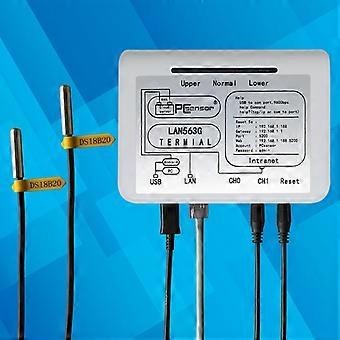

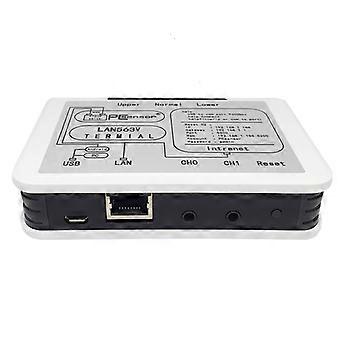
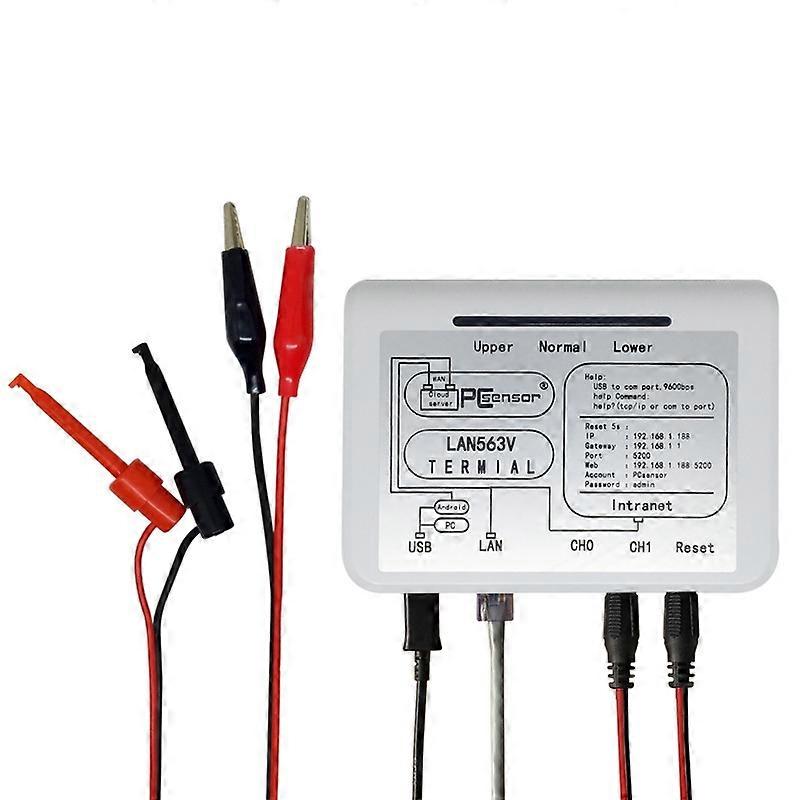
Pcsensor LAN563V Network Type Voltage Detection Remote Control Phone Monitoring Record Data Sheet
- Marca: Unbranded
Pcsensor LAN563V Network Type Voltage Detection Remote Control Phone Monitoring Record Data Sheet
- Marca: Unbranded
Política de devoluciones de 14 días
Política de devoluciones de 14 días
Métodos de pago:
Descripción
Pcsensor LAN563V Network Type Voltage Detection Remote Control Phone Monitoring Record Data Sheet
- Marca: Unbranded
- Categoría: Controles de aspersión
-
Estilo: Not Specified
- Nº de Fruugo : 407720102-863998558
- EAN: 6923278155422
Información de seguridad del producto
Consulte la información de seguridad del producto específica de este producto que se describe a continuación.
La siguiente información es proporcionada por el minorista independiente que vende este producto.
Etiquetas de seguridad del producto

Entrega y devolución
Enviado en un plazo de 5 días
-
STANDARD: GRATIS - Entrega entre lun 26 enero 2026–jue 05 febrero 2026 - GRATIS
Envío desde China.
Hacemos todo lo posible para asegurarnos de que se le entreguen los productos que pida en su totalidad y de acuerdo con sus especificaciones. Sin embargo, si recibe un pedido incompleto o artículos diferentes a los que pidió, o hay alguna otra razón por la que no está satisfecho con el pedido, puede devolver el mismo o cualquier producto incluido en él y obtener un reembolso completo por los artículos. Vea la política de devolución completa
Detalles de cumplimiento del producto
Consulte la información de cumplimiento específica de este producto que se describe a continuación.
La siguiente información es proporcionada por el minorista independiente que vende este producto.
Fabricante:
La información que se proporciona a continuación incluye los datos de contacto del fabricante del producto de referencia a la venta en Fruugo.
- SUNSKY
- Shenzhen SUNSKY Technology Limited
- 818, Building 614, Bagua 2nd Road, Bagua Ling Industrial Z one, Pengsheng Community, Yuanling Street,
- Futian District, Shenzhen, guangdong
- China
- Shenzhen
- CN
- 518029
- service@sunsky-online.com
- +86-755-83035355
- https://www.sunsky-online.com/
Persona responsable en la UE:
La información que se proporciona a continuación incluye la información de contacto de la persona responsable en la UE. La persona responsable es el agente económico designado con sede en la UE responsable de las obligaciones de cumplimiento en relación al producto de referencia a la venta en la UE.
- Yating He
- E-CrossStu GmbH
- Mainzer Landstr.69
- Frankfurt am Main, Hessen,Deutschland
- Germany
- Frankfurt
- DE
- 60329
- E-CrossStu@web.de
- +49 69332967674