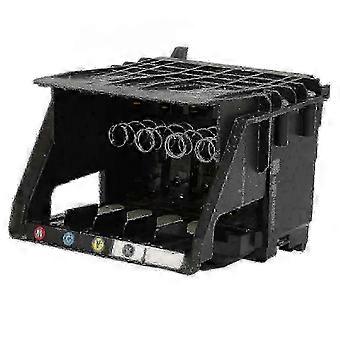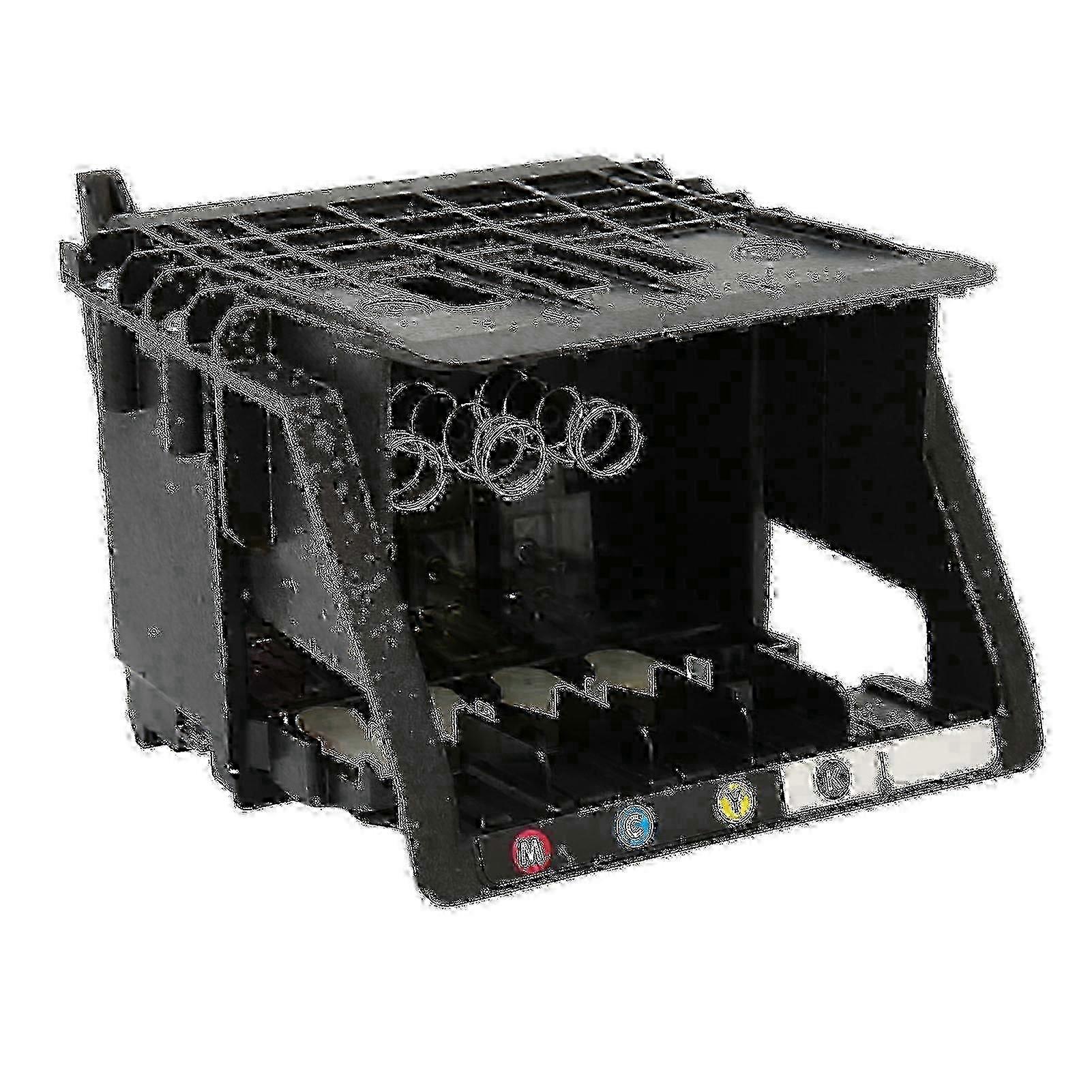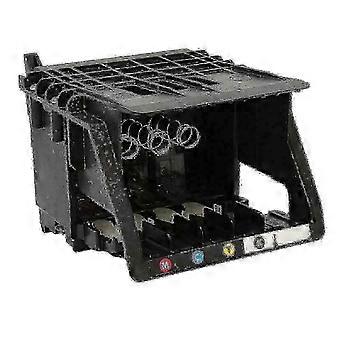
m Compatible Ink for Officejet Pro 8610 8620 Printers - Multipack Set

84,00 €
envío GRATUITO

m Compatible Ink for Officejet Pro 8610 8620 Printers - Multipack Set

  • Marca: Unbranded
Vendido por:

m Compatible Ink for Officejet Pro 8610 8620 Printers - Multipack Set

  • Marca: Unbranded

84,00 €

En existencias
envío GRATUITO

Política de devoluciones de 14 días

Vendido por:

84,00 €

En existencias
envío GRATUITO

Política de devoluciones de 14 días

Métodos de pago:

Descripción

m Compatible Ink for Officejet Pro 8610 8620 Printers - Multipack Set

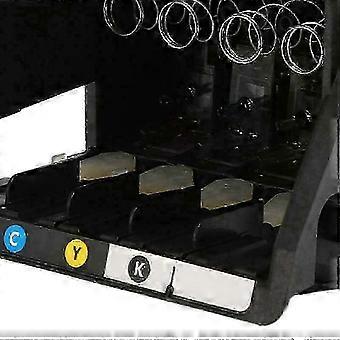
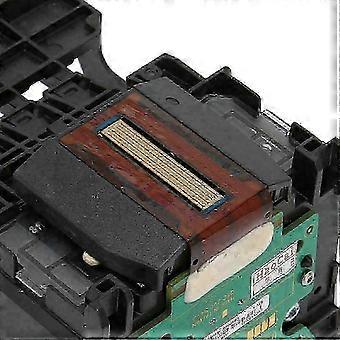
Print For Officejet Pro 8100 8600 8610 8620 8650 251dw 251 950 951 Print Head Nozzle Printer Replacement Parts for HP Officejet Pro 8100 8600 8610 8620 8650 251DW 251 Feature:1. Easy Installation: This printhead kit contains only one printhead, no other accessories or extra tools are needed, just push the printhead to complete the installation, saving time.2. Material: The shell is made of high quality ABS, wear resistant, and has been tested many times to ensure the printhead performance and keep your printer running smoothly.3. High Performance: Upgrade 950 print head chip, identify ink cartridges faster, print head ink jets smoothly, protect the printer, print clear and colorful.4. Applicability: Compatible with for hp office Jet 8100 8600 8610 8620 8650 251DW 251.5. Note: Be careful when installing the nozzle, be sure to cut off the power before putting it away.Specification:Item Type: Print HeadProduct Material: ABSApplicable: for HP OfficeJet Pro 8100 8600 8610 8620 8650 251DW 251.Package List:1 x Print HeadNote:Solution for incompatibility: Reset the printer, follow the steps below to reset the printing device. Turn on the printer (if not already turned on). Wait for the printer to come to a complete standstill before continuing. After turning on the printer, disconnect the power cord from the back of the printer. Unplug the power cord from the wall outlet. Wait at least 60 seconds. Plug the power cord back into the wall outlet. NOTE: for HP recommends plugging the printer power cord directly into a wall outlet. Reconnect the power cord to the back of the printer. Turn on the printer (if not already turned on automatically). The printer may take a while to warm up. The printer lights might be blinking, and the carriage might move. Wait for the printer to warm up and come to a complete standstill before proceeding. If the above methods cannot solve the compatibility problem, you need to replace the original ink cartridge and ink. Note: Due to the light and screen setting difference, the item's color may be slightly different from the pictures. Please allow slight dimension difference due to different manual measurement. Sold by-YJL official store Note: Due to the light and screen setting difference, the item's color may be slightly different from the pictures. Please allow slight dimension difference due to different manual measurement.
  • Nº de Fruugo : 443079224-930181144
  • EAN: 6256163864155

Entrega y devolución

Enviado en un plazo de 2 días

  • STANDARD: GRATIS - Entrega entre lun 16 febrero 2026–lun 23 febrero 2026 - GRATIS

Envío desde China.

Hacemos todo lo posible para asegurarnos de que se le entreguen los productos que pida en su totalidad y de acuerdo con sus especificaciones. Sin embargo, si recibe un pedido incompleto o artículos diferentes a los que pidió, o hay alguna otra razón por la que no está satisfecho con el pedido, puede devolver el mismo o cualquier producto incluido en él y obtener un reembolso completo por los artículos. Vea la política de devolución completa

Detalles de cumplimiento del producto

Consulte la información de cumplimiento específica de este producto que se describe a continuación.

La siguiente información es proporcionada por el minorista independiente que vende este producto.

Fabricante:
La información que se proporciona a continuación incluye los datos de contacto del fabricante del producto de referencia a la venta en Fruugo.

  • Foshan Panweibai Trading Co., Ltd.
  • Foshan Panweibai Trading Co., Ltd.
  • Room 103, No. 57, Shalong Road, Jiujiang Town, Nanhai District, Foshan City
  • Foshan
  • CN
  • 528203
  • razer0815@outlook.com
  • 13790744267

Persona responsable en la UE:
La información que se proporciona a continuación incluye la información de contacto de la persona responsable en la UE. La persona responsable es el agente económico designado con sede en la UE responsable de las obligaciones de cumplimiento en relación al producto de referencia a la venta en la UE.

  • Jean Luc
  • In Memoria Futuri SAS
  • 3 RUE DU PAS DE LA MULE 75004 PARIS
  • Paris
  • France
  • 75004
  • infoapexchen@gmail.com
  • 33745713901