
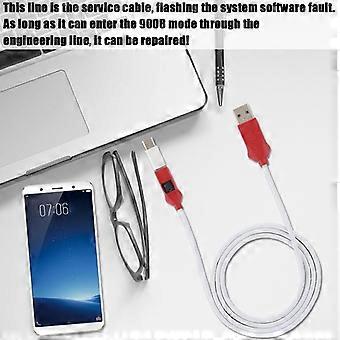
For Engineering EDL MODE Service Cable 9008 QUALCOMM MIUI Flash For Line Deep
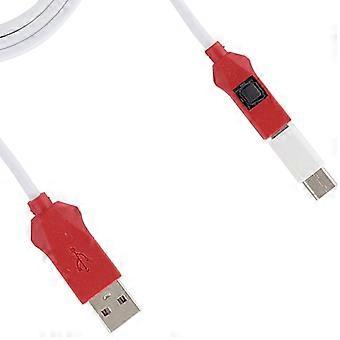
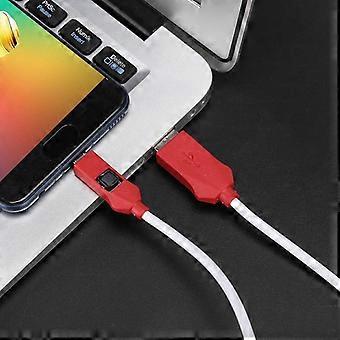
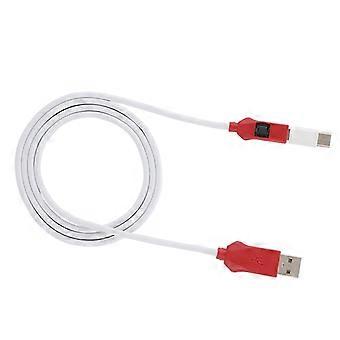
For Engineering EDL MODE Service Cable 9008 QUALCOMM MIUI Flash For Line Deep
- Marca: Unbranded
Vendido por:
For Engineering EDL MODE Service Cable 9008 QUALCOMM MIUI Flash For Line Deep
- Marca: Unbranded
Actualmente no disponible
Política de devoluciones de 14 días
Vendido por:
Actualmente no disponible
Política de devoluciones de 14 días
Métodos de pago:
Descripción
For Engineering EDL MODE Service Cable 9008 QUALCOMM MIUI Flash For Line Deep
Feature:
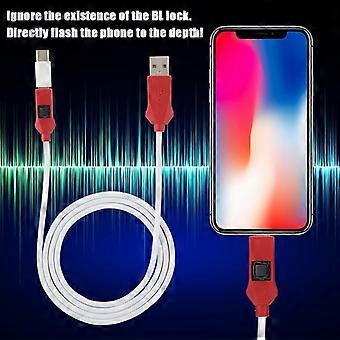
1. For MIUI engineering line, depth service cable, support all BL lock for Qualcomm for MIUI phone! Forced to enter the 9008 mode, deep flash!
2. Models with BL lock: for MIUI 4S/4C/4i, for MIUI NOTE top match, for Redmi NOTE3 full Network, for MIUI 5, for Redmi 3.
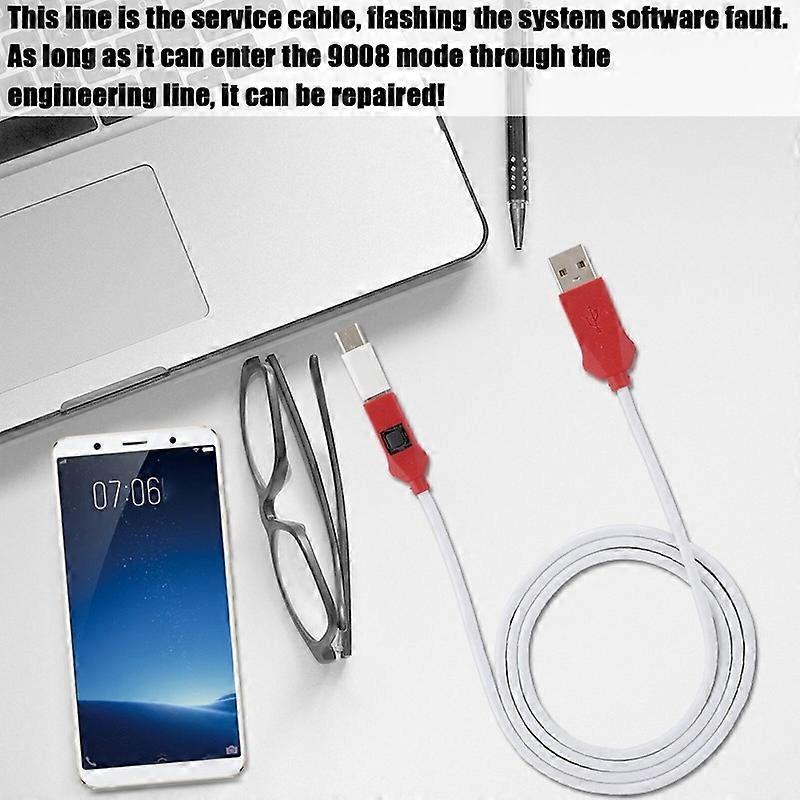
3. This line is the service cable, flashing the system software fault, as long as it can enter the 9008 mode through the engineering line, it can be repaired, otherwise it is recommended to change the font library!
4. Can ignore the existence of the BL lock, directly flash the phone to the depth!
5. Made of high quality PVC material, the product is sturdy and durable.
Specification:
Item Type: Service Cable
Material: PVC
Applicable Models: For MIUI mobile phone
The Main Role of the Engineering Line:
Can ignore the existence of the BL lock, directly flash the phone to the depth!
This line is the service cable, for the system software failure to flash, as long as you can enter the 9008 mode through the engineering line, you can repair, otherwise it is recommended to change the font library!
How to protect the data to unlock:
To unlock the phone, you need to enter the REC mode and unlock it through the assistant. If the phone cannot enter the REC mode, there is no way to use the engineering line!
How to Use:
The first method: Put the phone in the off state, insert the engineering line, and press and hold the engineering line switch and the phone power button for about 5 seconds, the computer will “click”, the device manager will appear 9008 port. It means that you have successfully entered the deep flashing mode, and then use the for MIUI flashing tool to flash the machine once to solve various problems!
The second method: When the phone is turned off, to enter Fastboot mode, click Volume Down button and power button, then press the power button to turn off the phone. When the phone is black, press the depth button button for 5 seconds, then release the hand, this time, device management inside the device can recognize 9008 port, the appearance of 9008 port indicates that it has successfully entered the deep flashing mode, and then use the for MIUI flashing machine tool to refresh the point, select the data, and then flash the machine. Solve various problems in one go! The whole process of the mobile phone is in a black screen state. This is normal and you don't have to worry.
Package List:
1 x Flash Cable
1 x Type-C Adapter
Note:
Support all for MIUI BL lock for Qualcomm mobile phones, mobile phones without BL lock or for Qualcomm chip are not supported.
- Marca: Unbranded
- Categoría: Cables eléctricos
- Nº de Fruugo : 497574757-1023137650
Entrega
Enviado en un plazo de 3 días
Envío desde China.
Devoluciones
Hacemos todo lo posible para asegurarnos de que se le entreguen los productos que pida en su totalidad y de acuerdo con sus especificaciones. Sin embargo, si recibe un pedido incompleto o artículos diferentes a los que pidió, o hay alguna otra razón por la que no está satisfecho con el pedido, puede devolver el mismo o cualquier producto incluido en él y obtener un reembolso completo por los artículos.