Descripción
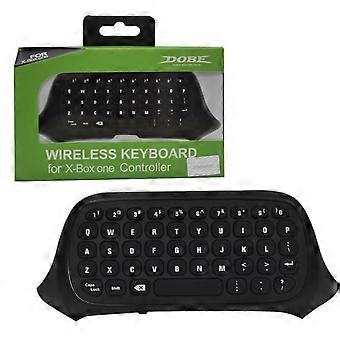
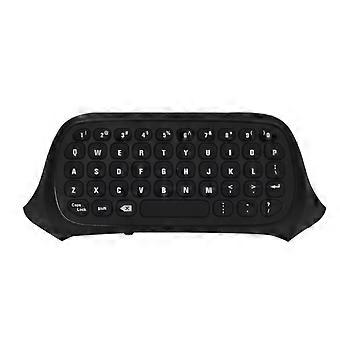
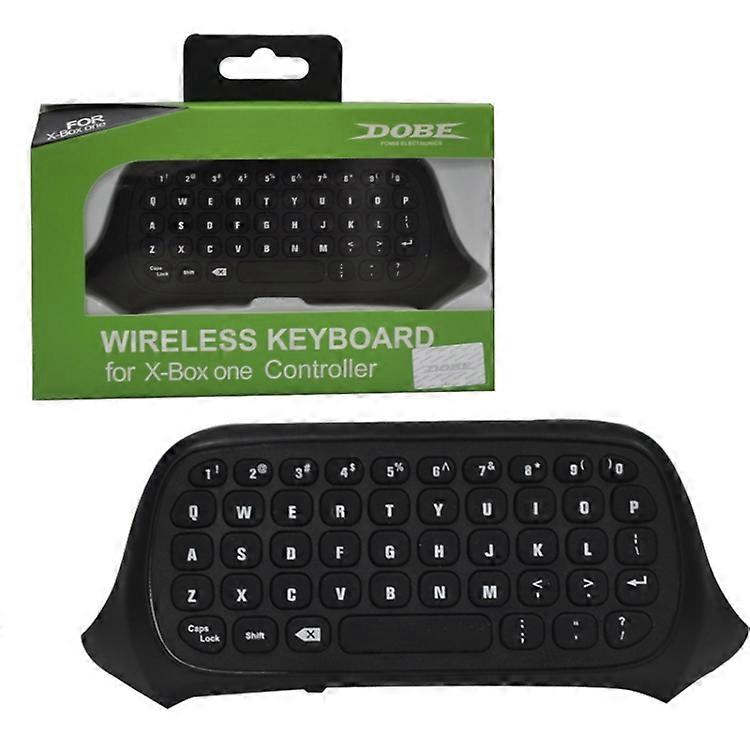
DOBE TYX-586 for Xbox One Bluetooth Gamepad Chat Keyboard
Model:TYX-586
Game machine accessories type:Other games accessories
Scope:Handle Keyboard
Material:ABS
Packing includes:1 x Keyboard
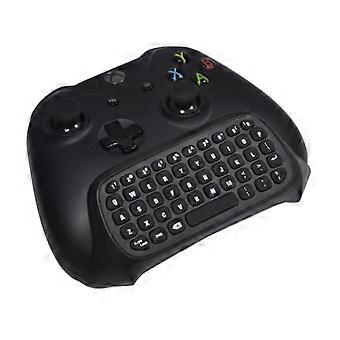
1. This handle keyboard can be combined with the original new and old handles, without affecting the use of the headphones. It is compatible with various versions of the host system. It can easily and quickly input text, letters and commonly used on the host computer. Punctuation marks.
2. This product keyboard makes it easy for players to chat in groups. The keyboard of this product is easy to install, can be easily combined with any version of the original controller of the host, and provides convenient text input, online group chat function, and guarantee game functions.
3. The key surface silicone is imported with environmentally-friendly silicone, which is more comfortable to use on the lower pot.
4. User instructions:
- Connect the host power first, then connect the HDMI cable to the display device. Turn on the power of the host and the corresponding power indicator will light.
- Connect the handle to the host.
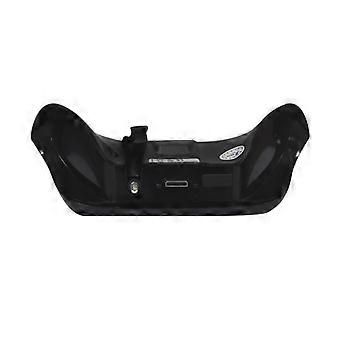
- Align the two connecting posts of the keyboard with the guide holes of the handle, align the headphone head with the seat behind the wireless handle, and then gently push the keyboard to the handle until it clicks (note: new handle) You need to use the 3.5 headphone plug to remove the silicone plug at the bottom of the keyboard in the direction of the arrow, and then turn the 3.5 audio plug outward until it clicks.
- When the controller of the controller is connected, insert the 2.4G receiver into any USB port of the host, and press the code button on the back of the keyboard within 15 seconds. The blue light of the keyboard will flash, and the keyboard will be The code can be completed automatically. (Note: When pairing, the distance between the handle keyboard and the receiving head is within 0.5 meters. If the pairing is not correct, repeat this step).
- After the code is completed, the blue pair of code lights will be off, which means the keyboard can work normally.
- The keyboard and 2.4G receiver only need to be coded once, and the subsequent use can be automatically connected by simply turning on the host wake-up handle and using it directly.
- The earphone holder on the keyboard is compatible with the original earphone and has the same effect on the handle. The new handle is also suitable for PS4, Apple''s original earphone.
5. Specifications:
- Scope: Suitable for Xbox One handle
- Wireless protocol: 2.4G
- Wireless moment separation: effective moment is 8-10 meters
- Working current (when there is a button press): 0.8mA
- Working current (when no button is pressed): 8mA
-
Nº de Fruugo :
224324528-479002896
-
EAN:
763914090764