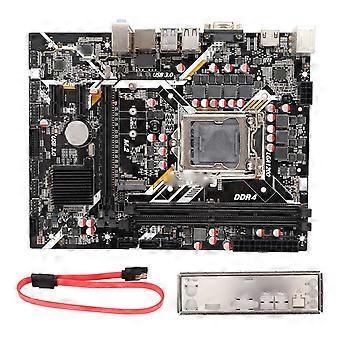
Desktop Motherboard Dual Channel DDR4 M.2 NVME 32GB/s Mini PCIE 7 Phase Power Computer Motherboard f

139,00 €
envío GRATUITO

Desktop Motherboard Dual Channel DDR4 M.2 NVME 32GB/s Mini PCIE 7 Phase Power Computer Motherboard f

  • Marca: Unbranded
Vendido por:

Desktop Motherboard Dual Channel DDR4 M.2 NVME 32GB/s Mini PCIE 7 Phase Power Computer Motherboard f

  • Marca: Unbranded

139,00 €

Ahorre 20,00 € (12%)

PVP

159,00 €
En existencias
envío GRATUITO
Vendido por:

139,00 €

Ahorre 20,00 € (12%)

PVP

159,00 €
En existencias
envío GRATUITO

Aceptamos los siguientes métodos de pago

Descripción

Desktop Motherboard Dual Channel DDR4 M.2 NVME 32GB/s Mini PCIE 7 Phase Power Computer Motherboard f

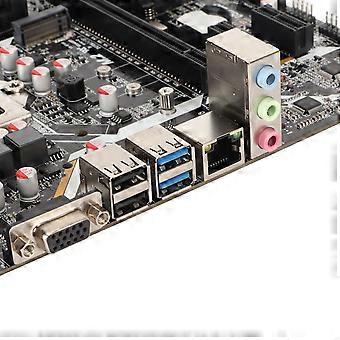
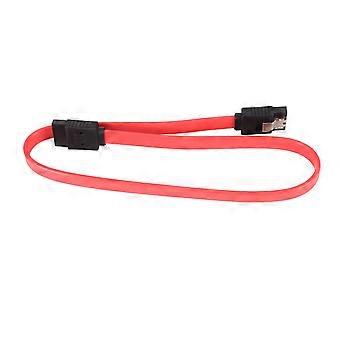
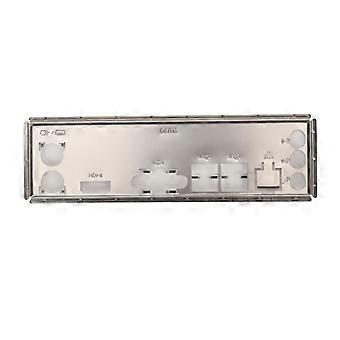
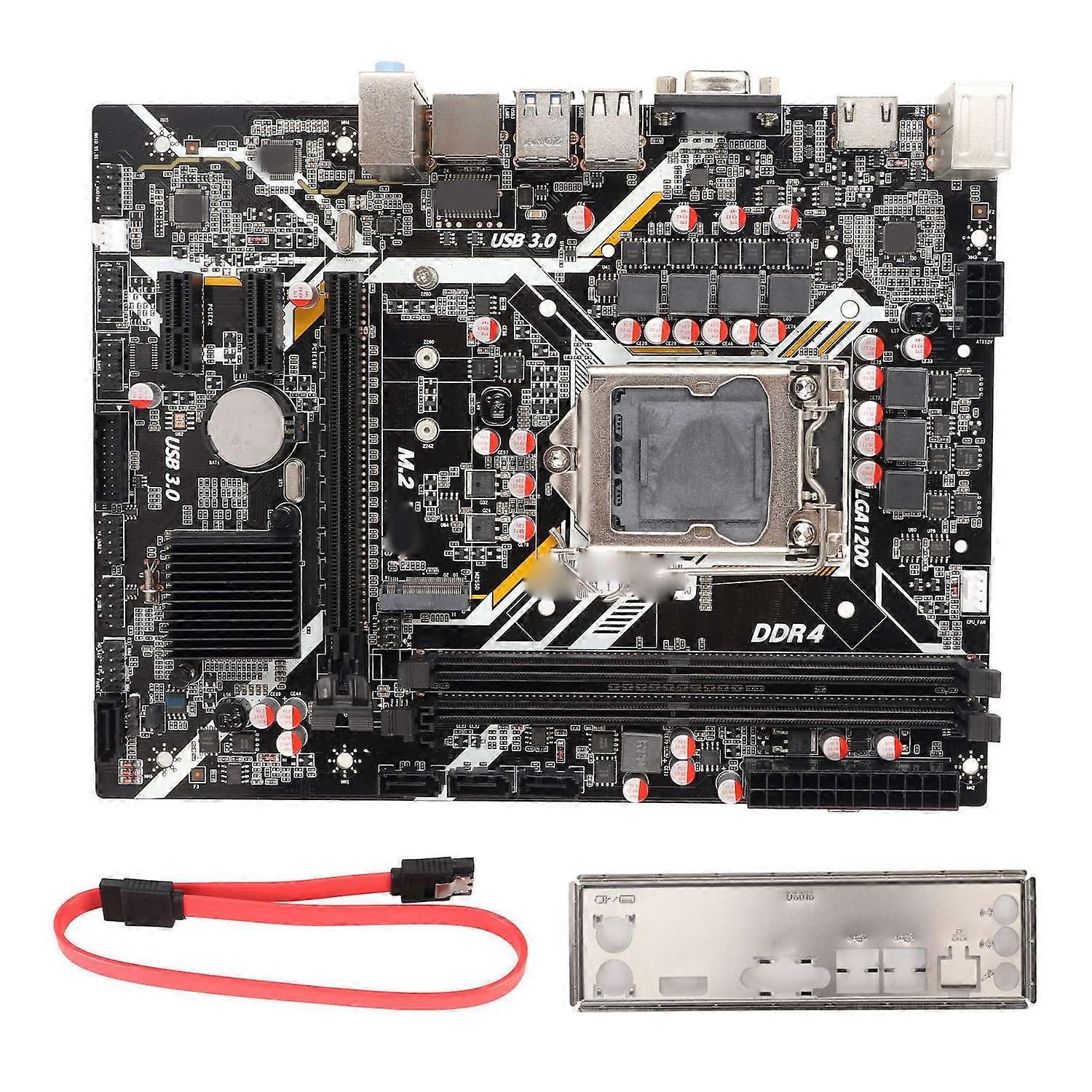
Feature: 1. Dual Channel DDR4 DIMM: This desktop motherboard adopts dual channel DDR4 DIMM, supports maximum 64GB memory. 2. Gigabit Network Card: This computer motherboard has inbuilt gigabit network card with high bandwidth, high frequency and low delay. 3. 32GB/s Transmission: This PC motherboard with M.2 hard disk interface supports up to 32GB/s transmission, ideal choice for operating system. 4. Mini PCIE Interface: This LGA 1200 motherboard adopts Mini PCIE interface and supports WiFi transmission, efficiency is highly improved. 5. 7 Phase Power: This ATX gaming motherboard features stable and precise power. The heat load of various power chipsets improves CPU performance. 7 phase power supply is more stable and durable. Specification: Item Type: Desktop Motherboard Material: Printed Circuit Board Chipset: B460 Motherboard Framework: ATX Motherboard Size: Approx. 225 x 175mm / 8.9 x 6.9in ( Manual Measurement, Slight Error May Exist ) CPU Slot Type: Supports LGA 1200 Netword Card Chip: 1000Mbit Netword Card Chip Graphics Card Slot: PCI E 16X Gen 3.0 Supported Memory Type: 2 x DDR4 Maximum Memory Capacity: 32GB x 2 SATA Interface: SATA3.0 x 4 USB Interface:USB3.0 x 2, USB2.0 x 2, Front USB2.0 Pin x 2, Front USB3.0 Pin x 1 Expansion Interface: 1 x HD Multimedia Interface, 1 x VGA, 2 x PCI E 1X Expansion, M.2 Interface, PS/2 Mouse Keyboard Interface Power Supply: 7 Phase Power Supply Battery Type: CR2032 Button Battery (Inbuilt) Battery Capacity: 240mAh The Motherboard Is Fixed In The Main Box, And Then Connected According To The Corresponding Marked Connector. No Power Problem: When The Device Cannot Be Turned On And The Power Indicator Is Off, Please Make Sure That The Power Supply Is Connected And Works Normally. If Your Cpu Fan Is Installed Correctly, You Can Also Tell If The Power Supply Is Working Properly By Determining If The Fan Is Working Properly. 1. Check The Power Supply Of The Power Adapter A. Check Whether The Power Cable Is Connected And The Socket Is Properly Plugged, As Shown In The Following Figure. If The Extension Cable Has A Main Power Switch, Make Sure It Is On. B. Replacing The Extension Cord And Socket Can Help Solve The Problem. Check Whether The Mainboard Power Supply Is Correctly Connected: 1. Ensure That The Power Cable Of The Power Adapter Is Correctly Inserted Into The Atx Power Port. The Motherboard May Contain Both 24pin Eatxpwr And 8pin Eatx12v, Make Sure That Both 8pin Eatx12v And 24pin Eatxpwr Are Connected To The Power Adapter. The Location And Number Of Power Ports May Vary From Model To Model, Some Motherboards May Contain 24pin Eatxpwr And 4pin Eatx12v, Both Ports Should Be Linked To The Power Adapter Not On: When You Press The Power Button To Start The Computer, The Fan And Q Led Indicator /Qcode Do Not Respond. Please Follow The Instructions Below To Troubleshoot The Problem: 1. Verify That The Power Adapter Is Correctly Plugged Into The Atx Power Port By Following The Steps Above To Troubleshoot The Power Supply Problems On The Mainboard. 2. Keep The Cpu, Cpu Cooling Fan And A Separate Ram Video Memory On The Motherboard. Remove All Usb Devices And External Cards From The Motherboard, Including Mouse, Keyboard, Card Reader, Flash Drive, External Hard Disk, External Pcie Card, Etc. Remove All Cables From The Mainboard, Including The Network Cable, Audio Cable, And Display Cable (Hd Multimedia Interface/Vga/Dvi/Dp). Then Try Turning The Computer On. If It Works, Maybe The Problem Is The External Device Removed. Reconnect The External Devices One By One Until You Determine Which External Device Or Wire Is Causing The Problem. 3. Clear The Cmos.. Package List: 1 x Desktop Motherboard1 x Baffle1 x SATA Cable
  • Nº de Fruugo : 440691300-924806235
  • EAN: 7061262999887

Entrega y devolución

Enviado en un plazo de 2 días

  • STANDARD: GRATIS - Entrega entre jue 18 diciembre 2025–mié 24 diciembre 2025 - GRATIS

Envío desde China.

Hacemos todo lo posible para asegurarnos de que se le entreguen los productos que pida en su totalidad y de acuerdo con sus especificaciones. Sin embargo, si recibe un pedido incompleto o artículos diferentes a los que pidió, o hay alguna otra razón por la que no está satisfecho con el pedido, puede devolver el mismo o cualquier producto incluido en él y obtener un reembolso completo por los artículos. Vea la política de devolución completa

Detalles de cumplimiento del producto

Consulte la información de cumplimiento específica de este producto que se describe a continuación.

La siguiente información es proporcionada por el minorista independiente que vende este producto.

Fabricante:
La información que se proporciona a continuación incluye los datos de contacto del fabricante del producto de referencia a la venta en Fruugo.

  • Shenzhen Loma Li Technology Co., Ltd.
  • Shenzhen Loma Li Technology Co., Ltd.
  • nanwan jiedao xialilang shequ pingji dadao 1 hao jiansheng dasha A1215
  • Longgang
  • Shenzhen
  • CN
  • 518115
  • gnng1213@163.com
  • 18664926702
  • https://hengruigongju.1688.com/page/index.html?spm=0.0.wp_pc_common_header_companyName_undefined.0

Persona responsable en la UE:
La información que se proporciona a continuación incluye la información de contacto de la persona responsable en la UE. La persona responsable es el agente económico designado con sede en la UE responsable de las obligaciones de cumplimiento en relación al producto de referencia a la venta en la UE.

  • None
  • Kequ Technology s.r.o.
  • Pražákova 1008/69
  • Štýřice
  • Jihomoravský kraj
  • Brno
  • CZ
  • 63900
  • christopher25106@outlook.com
  • 420608214795
  • https://www.ozon.ru/seller/docool-583119/products/?miniapp=seller_583119