Description
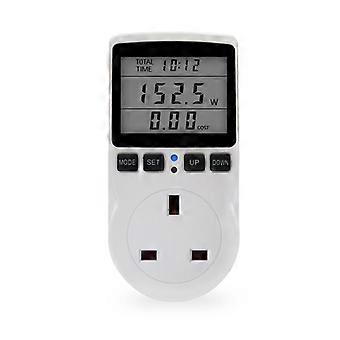
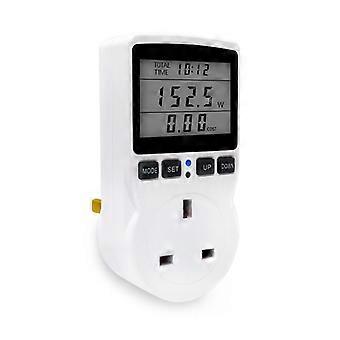
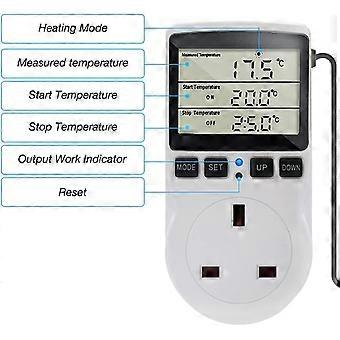
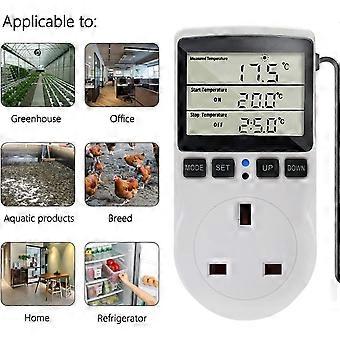
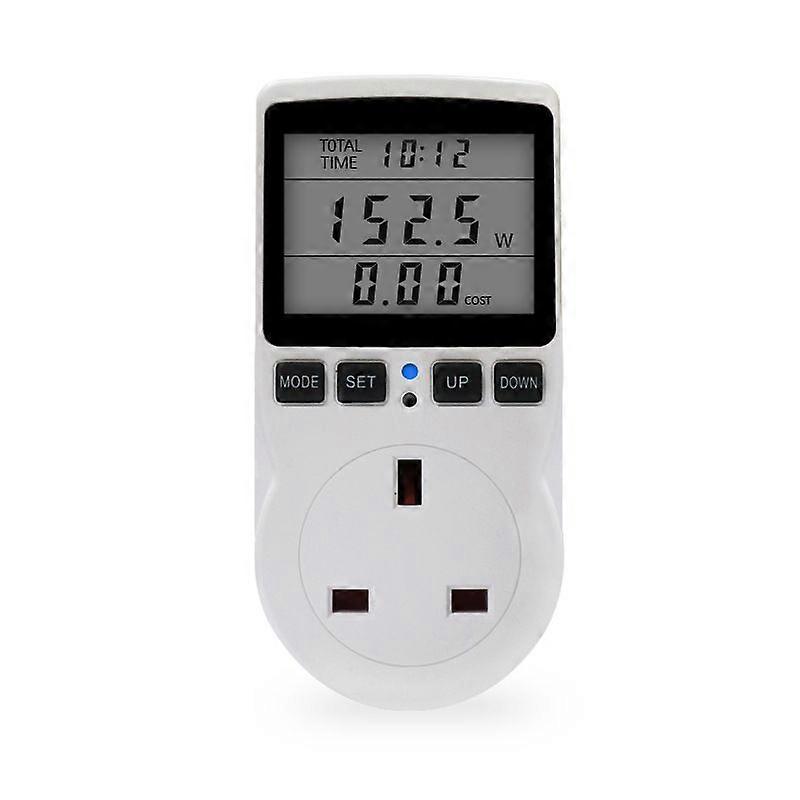
Digital Thermostat Plug - 230V Controller
XIANQI 2.Electricity price setting
1.Hold down the SET button for more than 3 seconds, and LCD screen third rows lower right comer COST/KWH ficker,enterthe price setting.
2.Press the MoDE button to select the location, then press the UP button and DOWN button to set the value, press the UPbutton to increase the number, press the DOWN button to reduce the number, after the price is set, press the SET button toexit the price settings and return to the LCD DISPLAY<11> interface, button more than 10 seconds without any operation willautomatically save data and exit the price settings
3.Press SET button, LCD third row to display electricity price.
3.LED indicating function,
When it detects that the load power is greater than 2 W and the accumulated time begins to time, the LED indicator lights onand the LED flashes when an alarm occurs.
4.Overload alarm function,
When the load of the socket connected by the power socket exceeds the set overload alarm power, the LCD flashes the word"OVERLAOD" in the second row, and the indicator lights flicker with the same frequency (the backlight LED also flickers with thesame frequency), reminding the user of overloaded electrical appliance s
1.press and hold the MODE+SET button for more than 3 seconds at the same time. The LCD screen "OVERLOAD" fashesand enters the overload power setting.
2.Press the MODE button, press the UP button and DOWN button to set the value, press the UP button to increase the number,press the DOWN button to reduce the number, set the SET button to exit the settings and return to the LCD DISPLAY<11>interface, button more than 10 seconds without any operation will automatically save data and exit the overload power settings.5.Alarm function of KWH
When the accumulative power consumption reaches the set alarm power consumption, the LCD second row flashes the word"KWH ALARM" and the indicator light flickers with the same frequency (the backlight LED also flickers with the same frequency),reminding the user that the power consumption exceeds the standard, please save electricity.
1.Press and hold the MODE+ DOWN button for more than 3 seconds at the same time. The LCD screen"KWH ALARM"flashes and enters the power consumption alarm setting.
2.Press the MODE button, press UP button and DOWN button to set the value, press UP button to increase the number, pressDOWN button to reduce the number, set the SET button to exit the settings and return to the LCD DISPLAY<11>interface,button more than 10 seconds without any operation will utomatially save data and exit the power consumption alarm settings.6.Alarm function of coST
When the electricity cost reaches the set alarm cost ,the LCD second row flashes the word "COST ALARM" and the indicatorlight flickers with the same frequency (the backlight LED also flickers with the same frequency), reminding the user that theelectricity cost has reached the set value, please save
electricity and save your money.
1. Press and hold the MODE+UP button for more than 3 seconds at the same time., LCD screen "COST ALARM" flashing.enter the electricity cost alarm settings.
2.Press the MODE button, press UP button and DOWN button to set the value, press UP button to increase the number, pressDOWN button to reduce the number, set the SET button to exit the settings and return to the LCD DISPLAY<11>interface,button more than 10 seconds without any operation will automatically save data and exit the electricity cost alarm settings.7.Backlight function,(optional)
Connect to the power supply. f you do not press any button, the backlight will be shut down in 15 seconds. When any button ispressed, the backlight will shine again.(only when connected to the AC power, the backlight will shine )
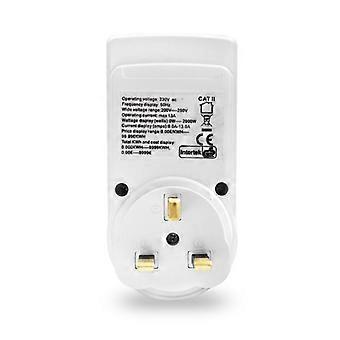
Rated voltage: 230Vac/50HzLoad current: MAX 16A;
Voltage range: 200Vac ~2500Vac;
Time display range: 0 seconds to 9999 days.The power display range : 0.oW to 9999wi.Voltage display range: 0.ov ~ 9999v;
The current display range : 0.000A to 9999A.Frequency display range: 0Hz~9999Hz;
Cumulative electricity consumption: 0.000KWH to 9999KWH.The price range is 0.0ocoST/KWH to 99.99cOST/KWH.
The total electricity charge display range is 0.0oCOST ~ 9999cOST;Voltage accuracy:+1%
Current accuracy: + 2%Power accuracy: +2%
Quantity shipped: 1pcs
Product color: as shown
-
Fruugo ID:
110400221-232994138
-
EAN:
5746769503042
Delivery & Returns
Dispatched within 24 hours
Shipping from China.
We do our best to ensure that the products that you order are delivered to you in full and according to your specifications. However, should you receive an incomplete order, or items different from the ones you ordered, or there is some other reason why you are not satisfied with the order, you may return the order, or any products included in the order, and receive a full refund for the items. View full return policy